
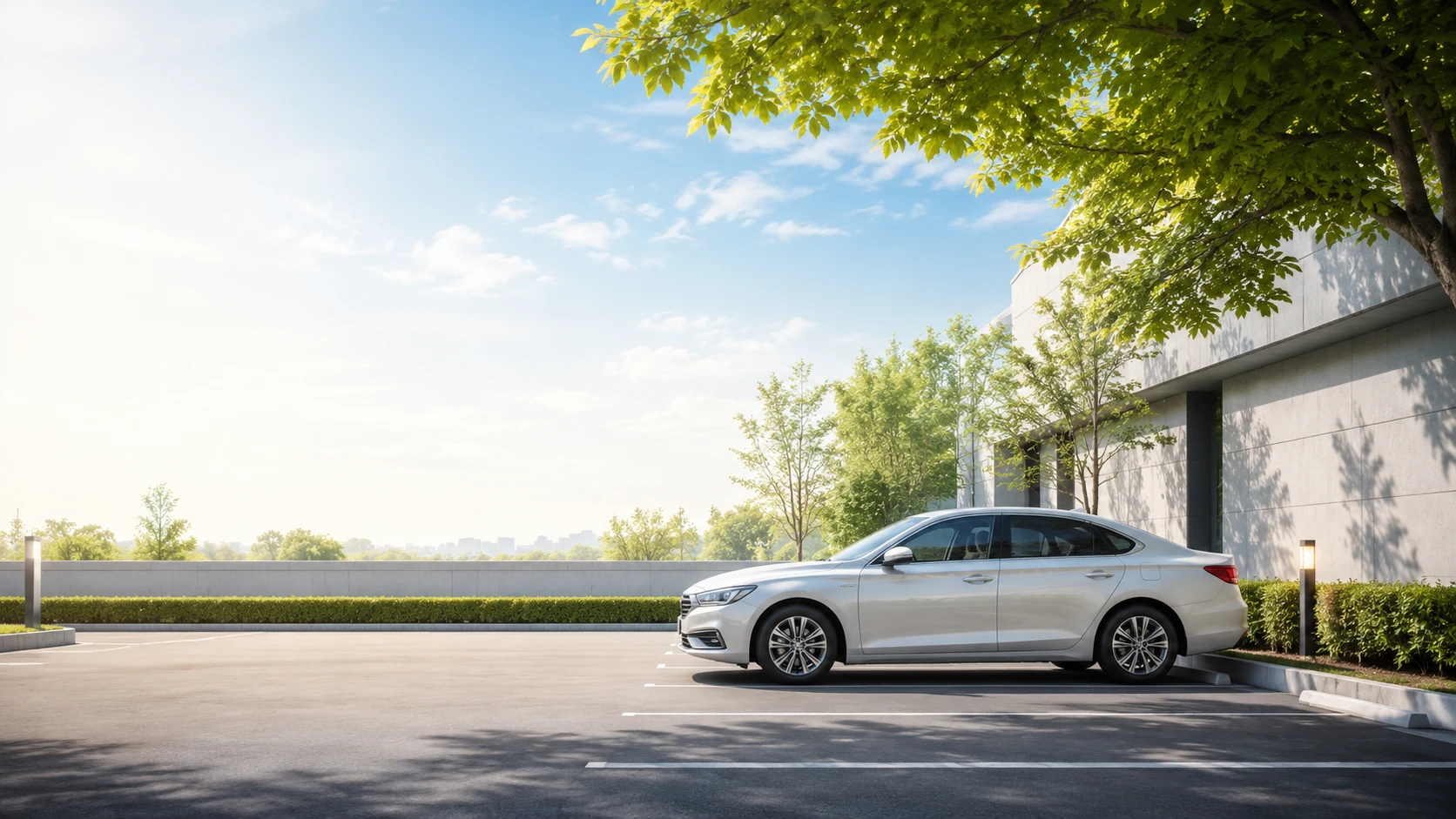
While you’re away
Can a dash cam catch a parked hit-and-run?
You come back to a fresh dent and no note. Short answer: yes — if the camera has parking mode and a way to stay powered while the engine is off. Here is exactly what it can, and can’t, catch.
The everyday risk
Most cars get hit while nobody’s in them.
A trolley rolls into your door. A van clips your bumper reversing out. Someone opens their door too hard and drives off. No note, no witness, no plate — just a bill and your word against nobody.
It’s not rare. Industry and legal sources put roughly 70% of hit-and-runs on parked or unattended vehicles, most of them in car parks, driveways and side streets — exactly where you’re not watching.
The 30-second answer
Yes, a dash cam can catch a parked hit-and-run — but only if two things are true: it has a parking mode that wakes on motion or impact, and it has continuous power while the engine is off (a hardwire kit or battery pack). A plugged-in camera that switches off with the ignition records nothing while you’re gone.
The unattended hours
Your car spends most of its life parked
The average car is driven under an hour a day. The other 23, it sits — often somewhere you can’t see it. That’s the window a parked hit-and-run happens in.
Three ways it watches
How a camera stays useful with the engine off
Motion detection
Video analysis wakes recording when something moves close to the car. Great for catching an approach — but a busy lot can trigger it constantly.
Impact (G-sensor)
A built-in accelerometer feels a knock or bump and instantly saves a protected clip around the moment of contact. This is the reliable hit-and-run catch.
Buffered recording
The camera keeps a rolling few seconds in memory, so a saved event includes ~15s before and ~30s after — you see the car arrive, not just the dent.
How the catch actually happens
From bump to evidence, step by step
Something hits the car
A vehicle reverses into your bumper, or a door swings into your wing while you’re inside the shops.
The camera wakes
Motion near the car, or the G-sensor feeling the knock, triggers recording within a moment.
A buffered clip is saved
Because a few seconds are always buffered, the file captures the approach and the contact — roughly 15 seconds before and 30 after.
It’s stamped and locked
Date, time and GPS are written into the clip, and it’s moved to a protected folder that loop recording won’t overwrite.
You retrieve the proof
Back at the car, pull the event clip on the screen or over Wi-Fi, then hand it to the police and your insurer.
Honest caveat: this only works if parking mode is switched on, the camera has power, and impact/buffered recording are enabled. A very fast, distant, or side-on hit can still be captured only partially.
What it guards
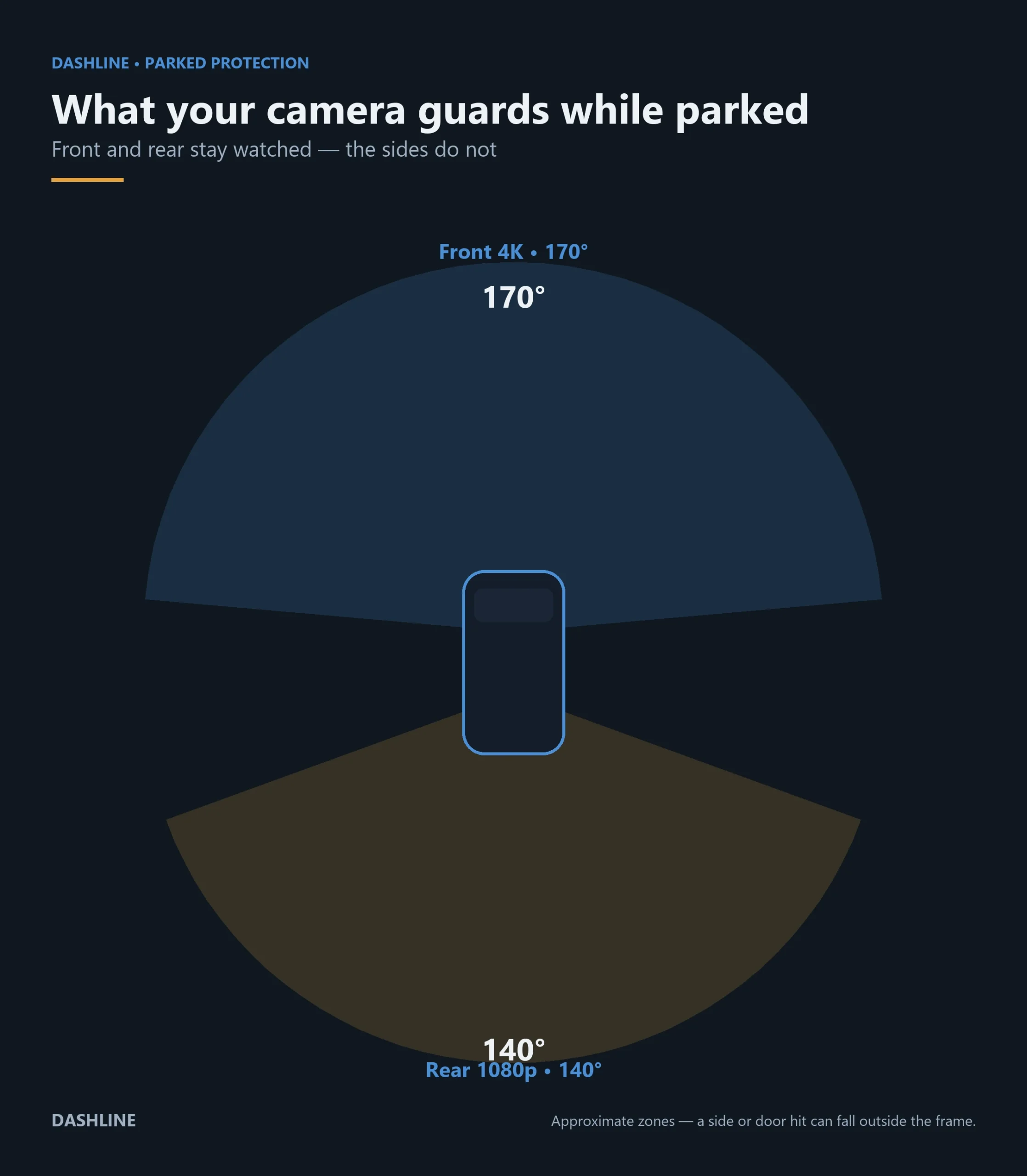
A parked camera watches the road, not the whole car
Front and rear cover the two directions most impacts come from — reversing cars, passing traffic. But a knock to the door or a far corner can sit outside the frame. Know the gap before you rely on it.
Getting the power right
The one thing that decides if it works
Parking mode lives or dies on power. Here’s how the three options really compare.
Where honesty matters
What a parked dash cam can’t do
No power, no protection
Without a hardwire kit or battery pack, most cameras switch off with the engine. Parking mode is only as good as the power feeding it.
It can’t see every angle
Front and rear only. A door ding from the side, or a hit to a far corner, may fall outside the lens — the coverage diagram above shows the blind zones.
Night depends on the lot
A dark corner of a multi-storey limits how much detail — including a plate — the camera can hold, exactly as on the road at night.
Motion mode fills the card
In a busy lot, motion recording triggers on every passer-by. Impact and buffered recording are the dependable way to catch the moment that matters.
If it already happened
You found a dent. Now what?
Photograph everything first
Before you move the car: the damage, the wider scene, and any paint transfer or debris. Note the exact spot and time.
Pull the parking clip
Check the protected or event folder on the screen or in the app for a motion or impact recording around the time it happened.
Report it to the police
A hit-and-run on a parked car is still an offence. File a report — insurers often want the reference number, and footage helps them act on it.
Tell your insurer
Collision or uninsured-motorist cover may pay even if the driver is never found. Clear footage makes the claim faster and stronger.
Want the full playbook? Read our calm, step-by-step guide to what to do after any car accident.
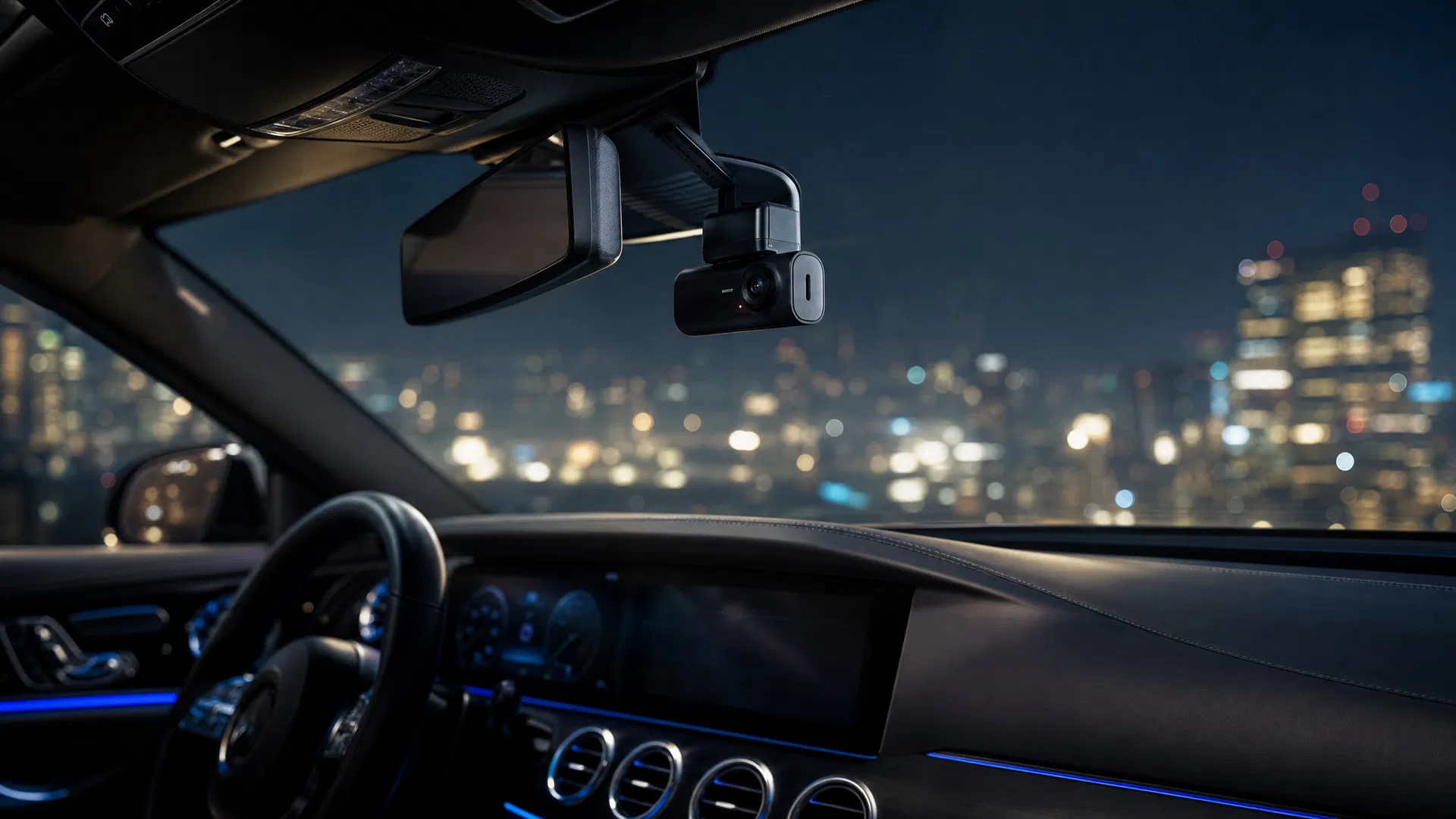
Choose your cover
Three ways to protect a parked car
Standard covers the drive; add the rear channel and the 24-hour hardwire kit when the parked hours are what you’re worried about.
Choose your setup
One camera. Three levels of protection.
From everyday recording to full 24/7 surveillance — pick the package that matches how you drive.
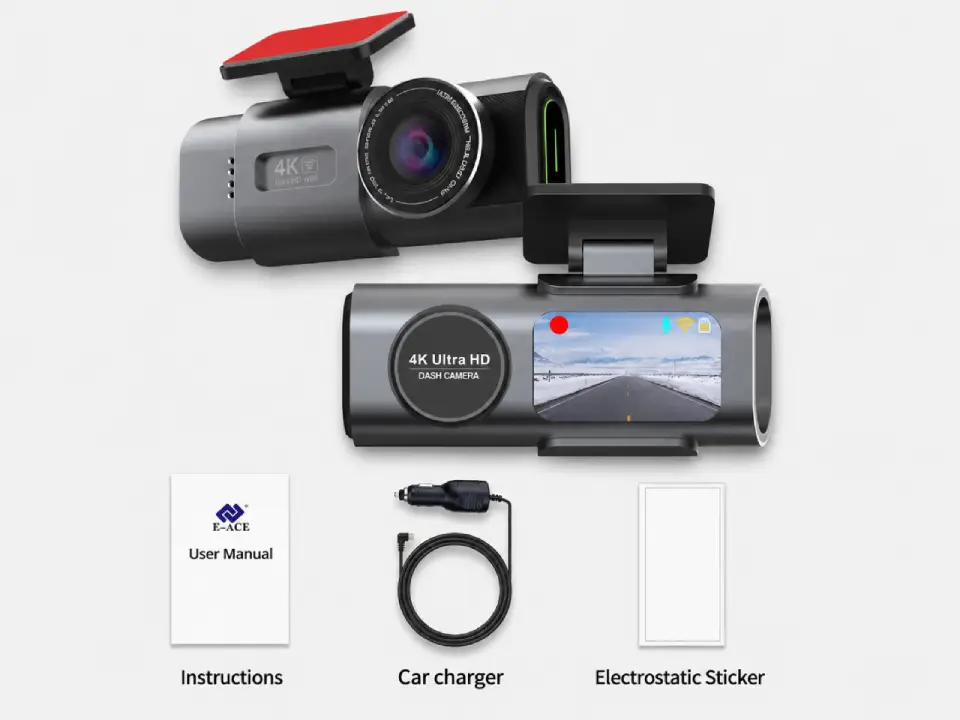
Standard
Package contents
- Front camera
- Car connection cable
- Magnetic sticker
Most popular
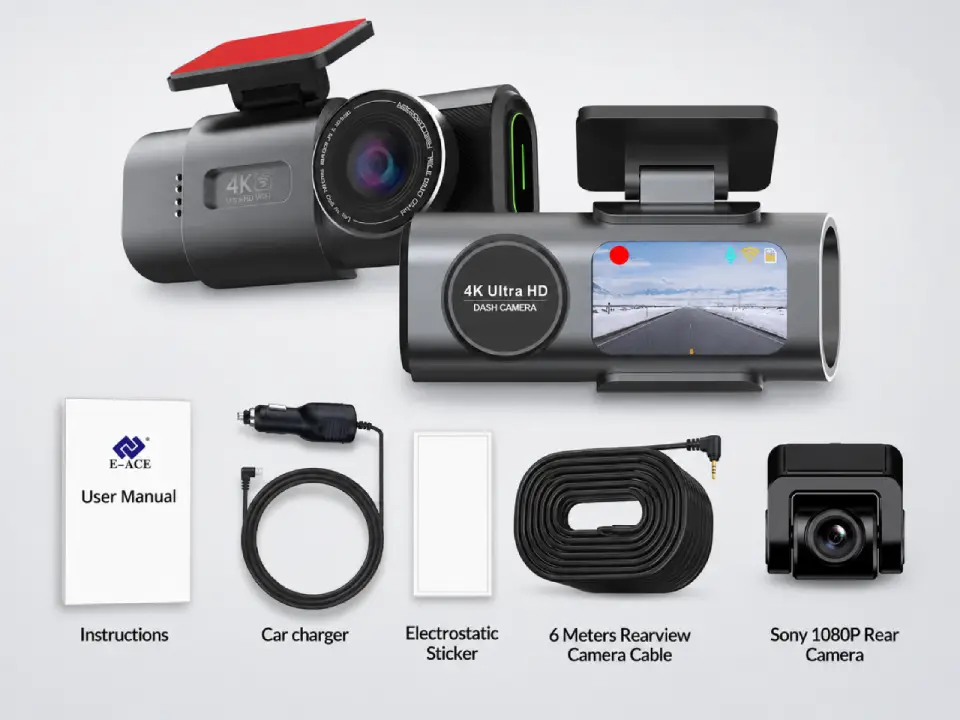
Dual Cameras
Package contents
- Everything in Standard
- Sony rear camera
- 6-meter connection cable
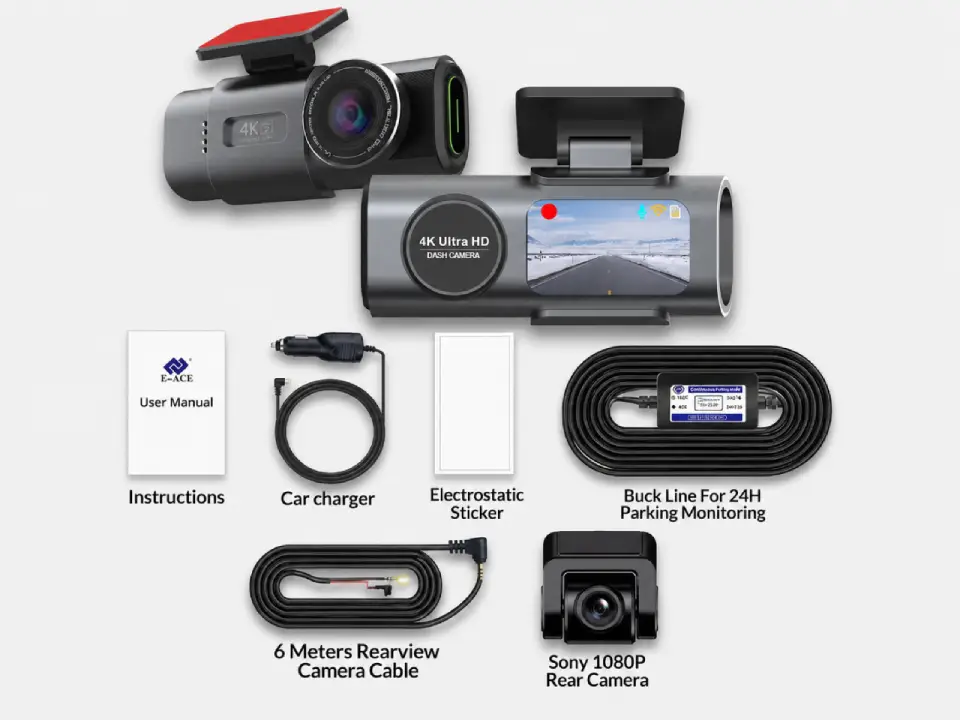
Full Protection
Package contents
- Everything in Dual Cameras
- 24h-compatible battery
- Live view from parked car
Free Shipping
5–10 days across Europe
Secure Payment
Apple Pay · PayPal · Stripe
2-Year Warranty
Full hardware coverage
30-Day Return
No questions asked
Common questions
Parked-car protection, answered
Can a dash cam record while the car is off?
Only if it has a parking mode and a power source that stays live with the ignition off — a hardwire kit or an external battery pack. A camera on the standard 12V socket usually powers down with the engine and records nothing while parked.
Will a dash cam catch someone who hits my parked car?
It can, if parking mode is on and impact or buffered recording is enabled. The G-sensor saves a protected clip around the knock, ideally including a few seconds before the contact so you see the other car arrive.
Does parking mode drain my car battery?
A proper hardwire kit includes a voltage cut-off that stops recording before your starter battery drops too low, so the car still starts. Recording straight off the battery with no cut-off is what causes flat batteries. Our dash cam parking mode battery calculator estimates how many hours you can safely record parked before that voltage cut-off trips.
Will it read the other driver’s number plate?
Sometimes. Plate readability depends on distance, angle and light — a well-lit lot in daytime is best; a dark corner at night is hardest. Treat a readable plate as a bonus, not a guarantee.
Front-only or front and rear for parking?
Rear adds real value while parked, because a lot of parking damage comes from cars reversing behind you. Neither covers the sides, so think of it as two directions watched, not the whole car.
How long does parking footage stay on the card?
Loop recording overwrites old clips, but impact and motion events are moved to a protected folder that isn’t overwritten. Back up any event you care about soon after — don’t assume it stays forever. Use our dash cam storage calculator to estimate how many hours your card holds before loop recording starts overwriting.
Is it legal to record while parked?
In most places, filming public areas around your own car is fine, but rules on audio and on sharing footage vary by country. Check local law before you post a clip publicly.
What should I do if I find damage and a clip?
Photograph the damage, save the clip from the protected folder, file a police report, and give both to your insurer. Footage strengthens a claim even when the other driver can’t be identified.
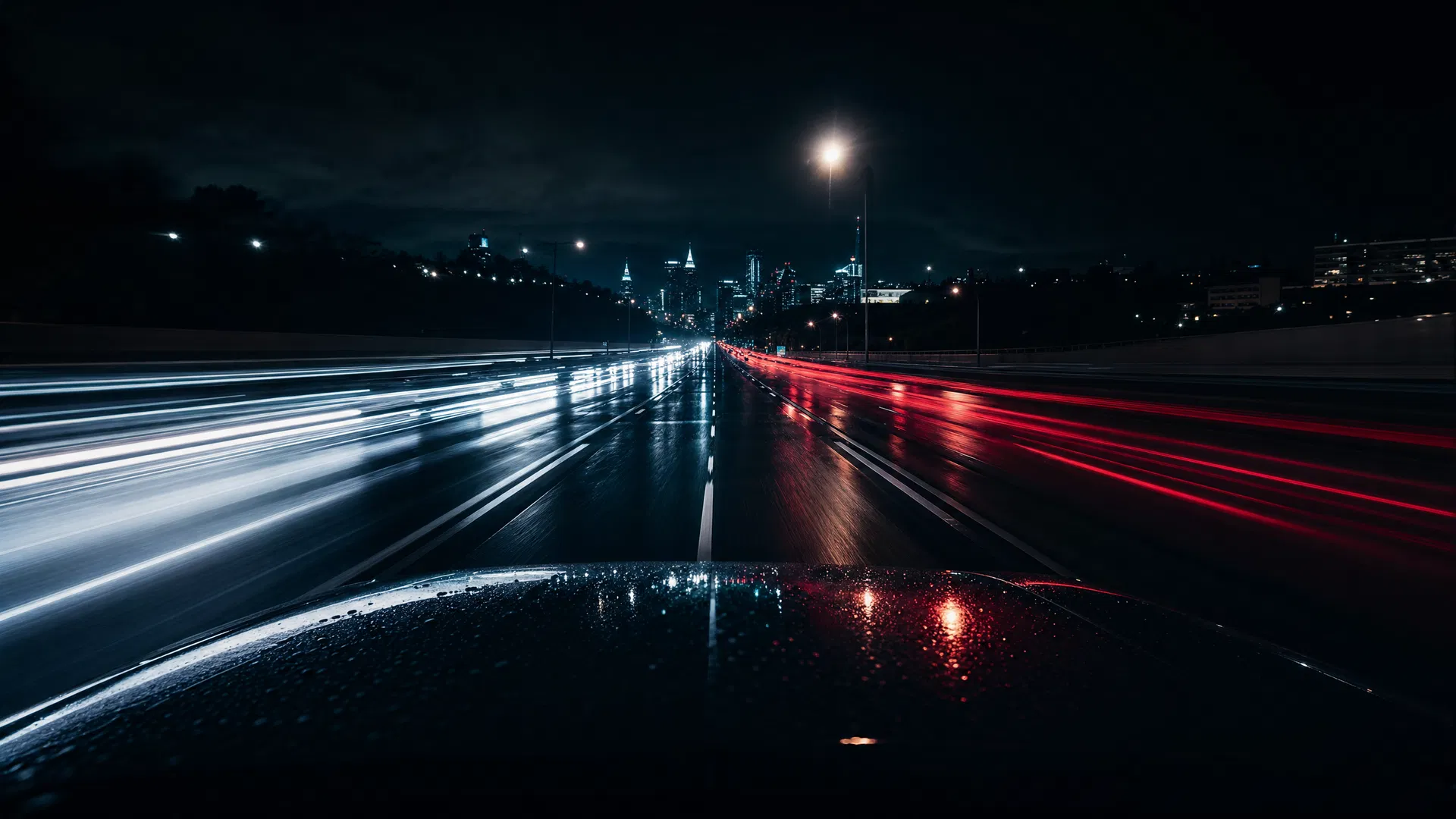
Cover the hours you’re not there
Don’t let a parked hit-and-run go unseen
4K recording, GPS, and a 24-hour parking option — subscription-free, footage kept on your own card.
Leave a Reply